How to turn on chess hints on Lichess
Connect ChessNavio to Lichess step by step: install the extension, allow access, start a game and check your first hint.
Install the extension
Install ChessNavio from the Chrome Web Store and pin the ChessNavio icon to the browser toolbar: it makes the assistant’s state and its settings one click away.
Open Lichess
Go to lichess.org and click the ChessNavio icon. The site is detected for you. The first time, your browser asks whether the extension may read Lichess pages. That permission covers only the site you allowed, and you can withdraw it later in your browser settings or in the extension itself.
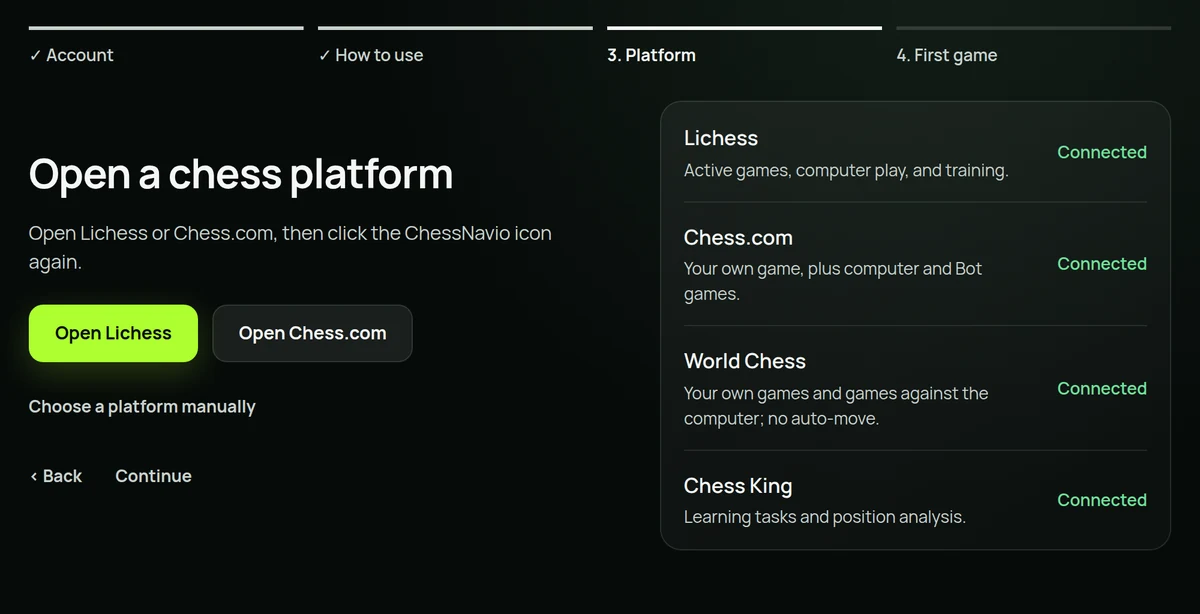
Start a game or a training position
Hints do not turn on in the lobby, on the home page, in a broadcast or while you watch somebody else’s game. Start your own game against the computer, an active game, or open a training position explicitly. That keeps advice away from boards you have not actually started to work on.
Wait for your turn
Once the position is recognised, ChessNavio shows its state next to the board. A recommendation should appear only when it is your move. If your opponent has just replied, the assistant re-reads the position and replaces the old arrow with a new one; the arrow from the previous move should never stay on the board.
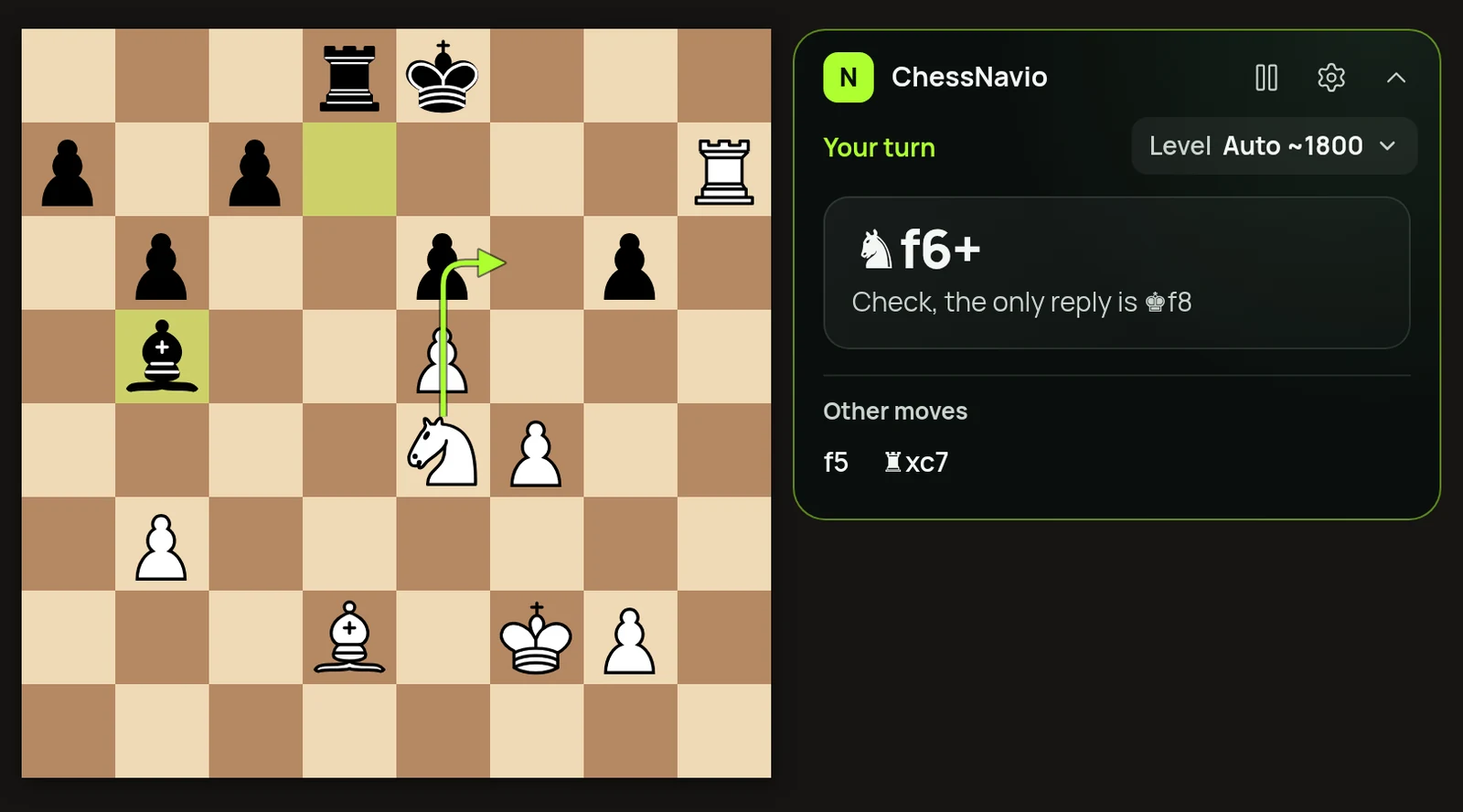
Pick the kind of help you want
For your first games leave the mode on «Hint»: it shows the main move, a short idea and a few alternatives. If you would rather think for yourself first, choose the mode that hides the move until you ask. The move level can be changed on its own; ChessNavio picks the remaining settings for you.
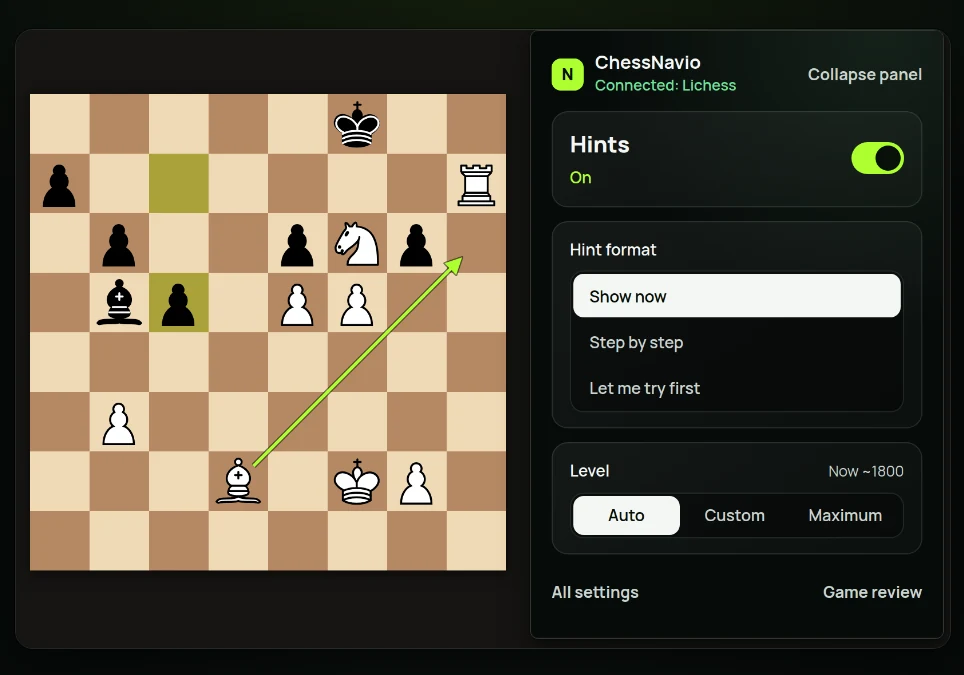
If no hint appears
Check that the game has really started, that it is your turn, and that access to Lichess is allowed. Then reload the page once. If it happens again, open «Help and diagnostics» and copy the short report: it carries useful technical details without your position, your game history or your account data.